
01
Capture the handover where the work happened
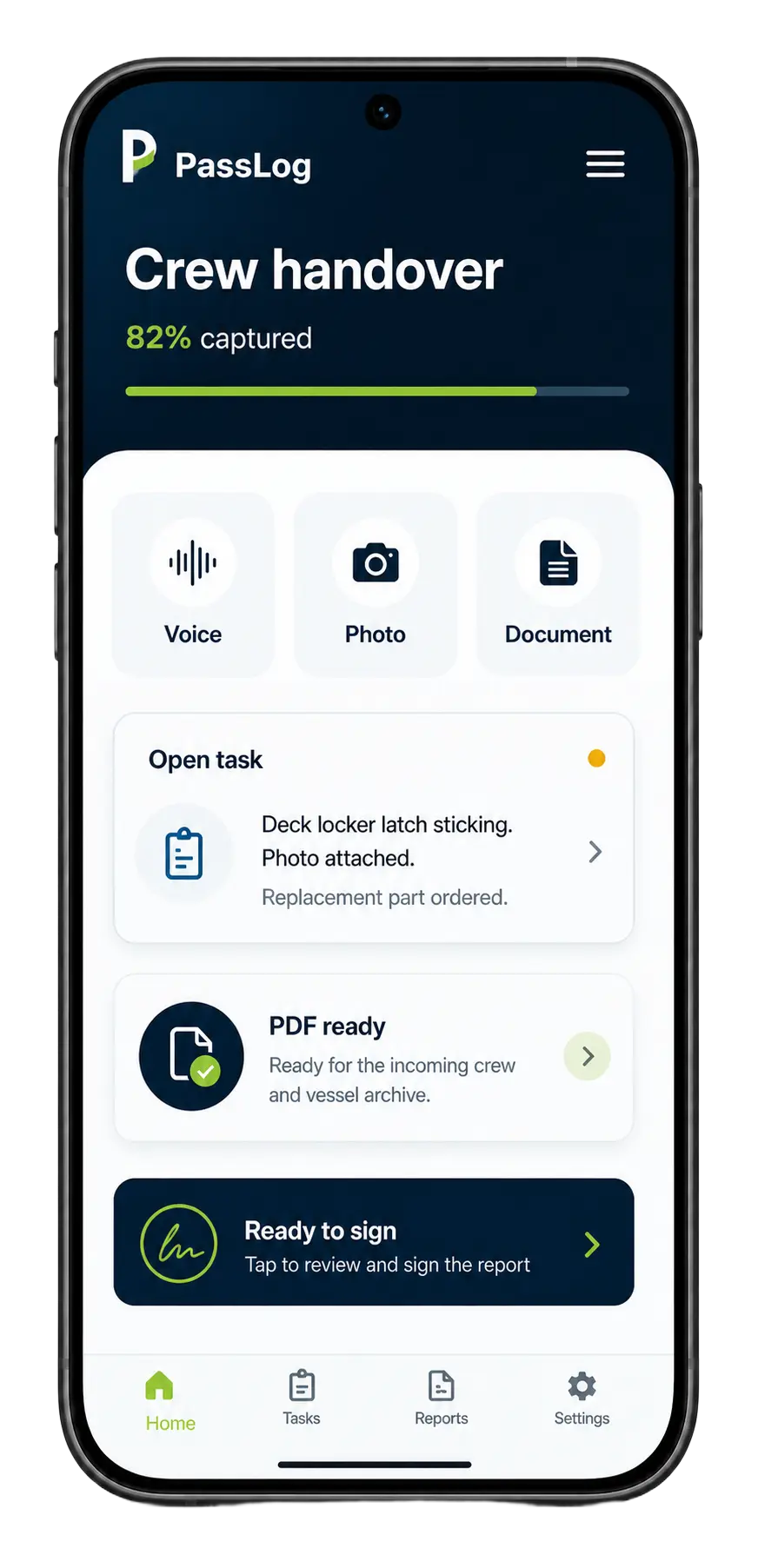
Record voice notes, take photos, type short answers, and upload existing documents while walking the vessel or closing a rotation.
Features
PassLog is built for maritime crew changes where useful knowledge gets lost in voice notes, camera rolls, notebooks, and rushed conversations. It helps crew capture the real handover and turns it into one clear signed PDF.
01
Record voice notes, take photos, type short answers, and upload existing documents while walking the vessel or closing a rotation.
02
If the answer is too thin, PassLog asks for the missing owner, date, location, evidence, contact, or next action before sign-off.
03
The final PDF is structured, timestamped, signed by both sides, emailed, and ready for the next crew member or manager to search later.
Capture layer
PassLog does not force crew into one rigid form. It accepts the way handovers actually happen on board, then organises the material into a document people can use.
Talk naturally through watch notes, open work, defects, procedures, preferences, and anything that should survive crew change.
Attach visual proof: equipment, location, labels, defects, inventory, checklists, supplier cards, or temporary fixes.
Bring in existing PDFs, Word docs, service sheets, forms, checklists, and supplier notes instead of starting from zero.
See the missing details clearly before the document is signed, so the next person is not left guessing.
vague answer
“fine”
vague answer
“satisfactory”
vague answer
“no issues”
vague answer
“all good”
vague answer
“was serviced”
vague answer
“never had a problem”
vague answer
“working normally”
vague answer
“checked last week”
vague answer
“nothing to report”
vague answer
“okay”
Completeness
A normal form lets crew submit “all good”. PassLog asks for the specific detail the next person needs: what changed, what is open, who owns it, where it is, what photo proves it, and what should be checked first.
Role-aware
A captain handover, deck handover, technical handover, and interior handover need different prompts. PassLog keeps the capture role-aware while the output stays consistent: clear sections, open items, evidence, and signatures.
Technical
Captain
Deck
Interior
ETO
Ferry
Merchant
Offshore
Yacht
Signed output
Outgoing crew confirms the handover is accurate.
Incoming crew confirms they have read and understood it.
Open items are grouped by topic and severity.
The PDF is delivered by email and can be archived for the vessel.
Maritime crew handover software
Capture the details before departure, clean up vague answers, and send the next crew member one report they can actually use.