

Record the equipment and its condition.
Name the system or equipment tag. Record what you observed and attach the relevant photo, voice note, or service document.
Maritime crew handover software
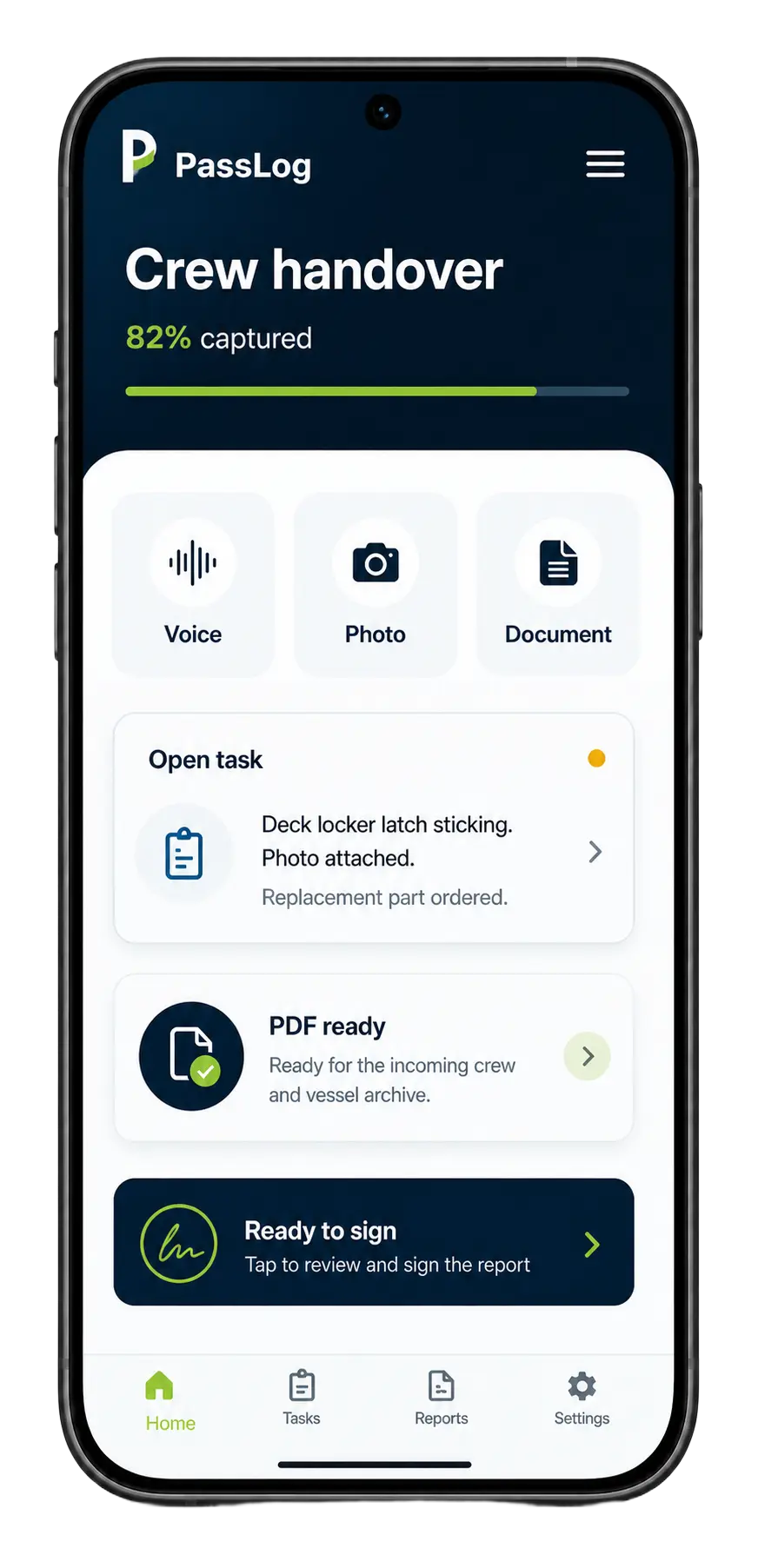
Add voice notes, photos, written notes, and documents. PassLog generates your handover. Review the details with the incoming crew, then sign the PDF.

Name the system or equipment tag. Record what you observed and attach the relevant photo, voice note, or service document.

PassLog turns your input into a handover. Check what remains unfinished, who owns it, and the next action before signing.

Outgoing and incoming crew sign. The report is emailed and ready to archive.
PassLog generates a handover from your notes, photos, and documents. The receiving crew can review the equipment status, outstanding work, and questions that remain open before signing.
Voice, photos, notes, and uploaded documents
Open tasks, defects, procedures, contacts, and watch items
A signed PDF sent by email and ready for the vessel archive
Process
Choose the role, vessel type, and handover topic.
Record voice notes, photos, written notes, and existing documents.
PassLog generates the handover from your input. Check open items, owners, evidence, dates, and next actions before sign-off.
Both sides sign. PassLog emails one PDF for the incoming crew and vessel archive.
Use these fields to understand what belongs in a handover. Add your notes, photos, and documents in PassLog to generate the report, then review and sign it.
Transfer oversight of the engineering department: priorities, unresolved decisions, resources, reporting commitments, and the team’s next actions.
A practical route for recording what you observe at the machinery. Match each finding and photograph to the equipment named in the handover.
How to organise the completed record of a vessel's condition and outstanding work for the receiving crew and vessel archive.
A final review checklist for the moment duties change hands. Check that the incoming crew can find the information, access, and follow-up contacts they need.
Plan what happens before departure, during the overlap, and after the incoming crew joins. Use the available time to transfer knowledge and resolve questions.
A role-based review of the systems, open work, and responsibilities the relief engineer is taking over.
Transfer the current operational picture between watchkeepers: active instructions, work in progress, equipment limitations, and actions still due.
Keep the next maintenance owner connected to the job’s actual state, remaining work, parts, supporting records, and follow-up contacts.
Organise a yacht rotation by department and connect the responsibilities shared between engineering, deck, and interior crew.
Access
Register or sign in to generate your handover, review the details, and sign the PDF. Paid access is planned for later.
Individual handover
Free right now
Paid access is planned for later
Vessel workspace
Free right now
Paid access is planned for later
Fleet
Contact us
Discuss your requirements
Maritime crew handover software
Add voice notes, photos, written notes, and documents. PassLog generates your handover. Review the details with the incoming crew, then sign the PDF.
Register or sign in at app.pass-log.com